Medical AR Toolkit
 Nikita Badjajevs
About This Game
Main idea of the product vision
The goal is to replace “dry learning from books” with a modern AR experience where students can study anatomy naturally, visually, and with greater interest. This approach can make education more effective for both students and teachers in the digital age.
What is this product?
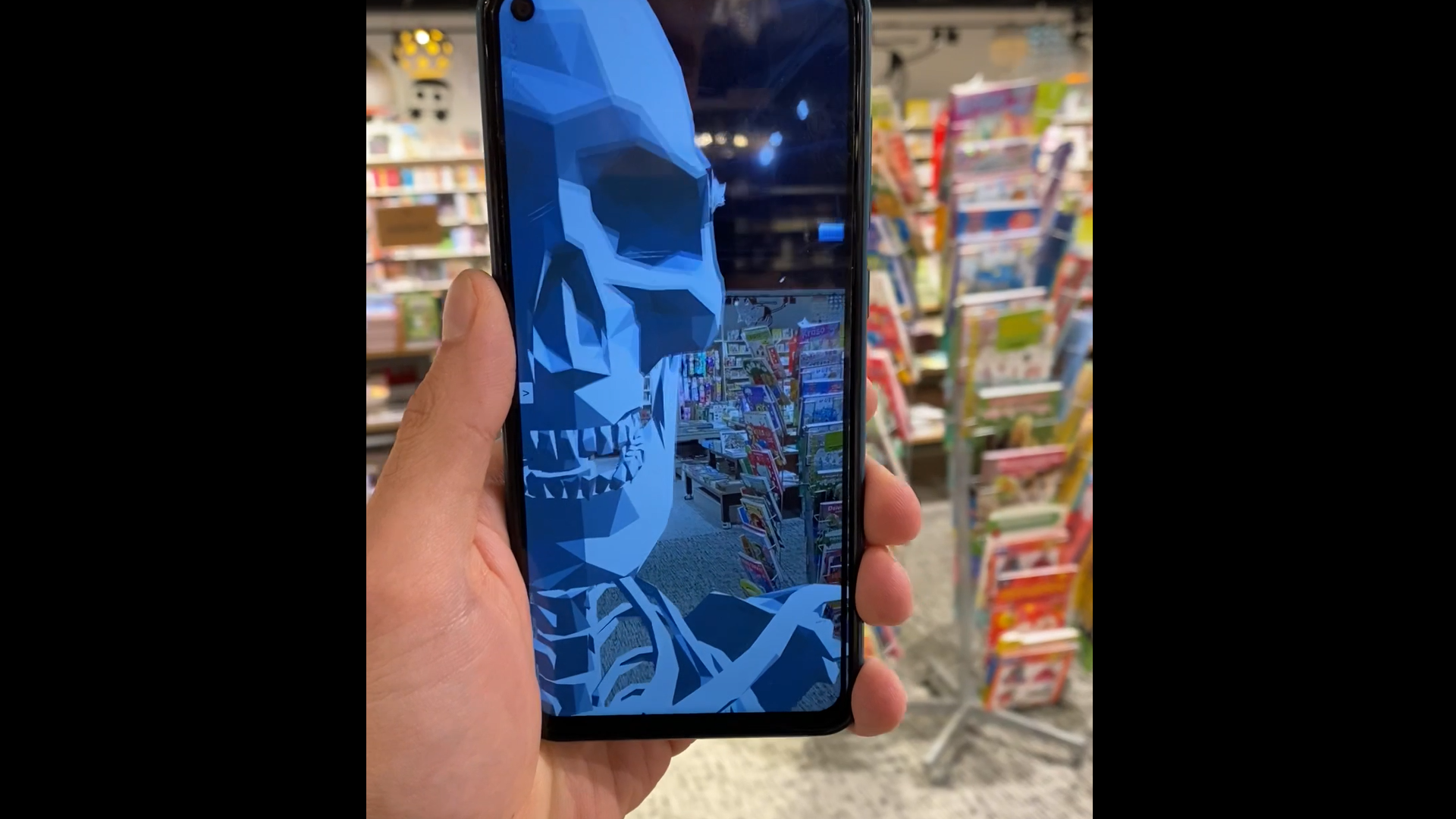
Medical AR Toolkit is an educational augmented reality tool that helps users learn human skeleton anatomy in a modern and interactive way. Instead of studying static images in books, students can view a 3D skeleton in the real environment, rotate it, and interact with individual bones.
Why is it useful?
The product improves the learning process by making anatomy:
more visual,
more interactive,
easier to understand and remember,
more interesting for students.
It allows users to view bones from different angles and immediately read a short explanation, which makes learning faster and more effective.
Target audience
The application is intended for:
medical students,
biology students,
school students studying human anatomy,
teachers and lecturers for classroom demonstrations.
What can users do in the app?
Users can:
Use AR tracking in two modes (Marker + Plane),
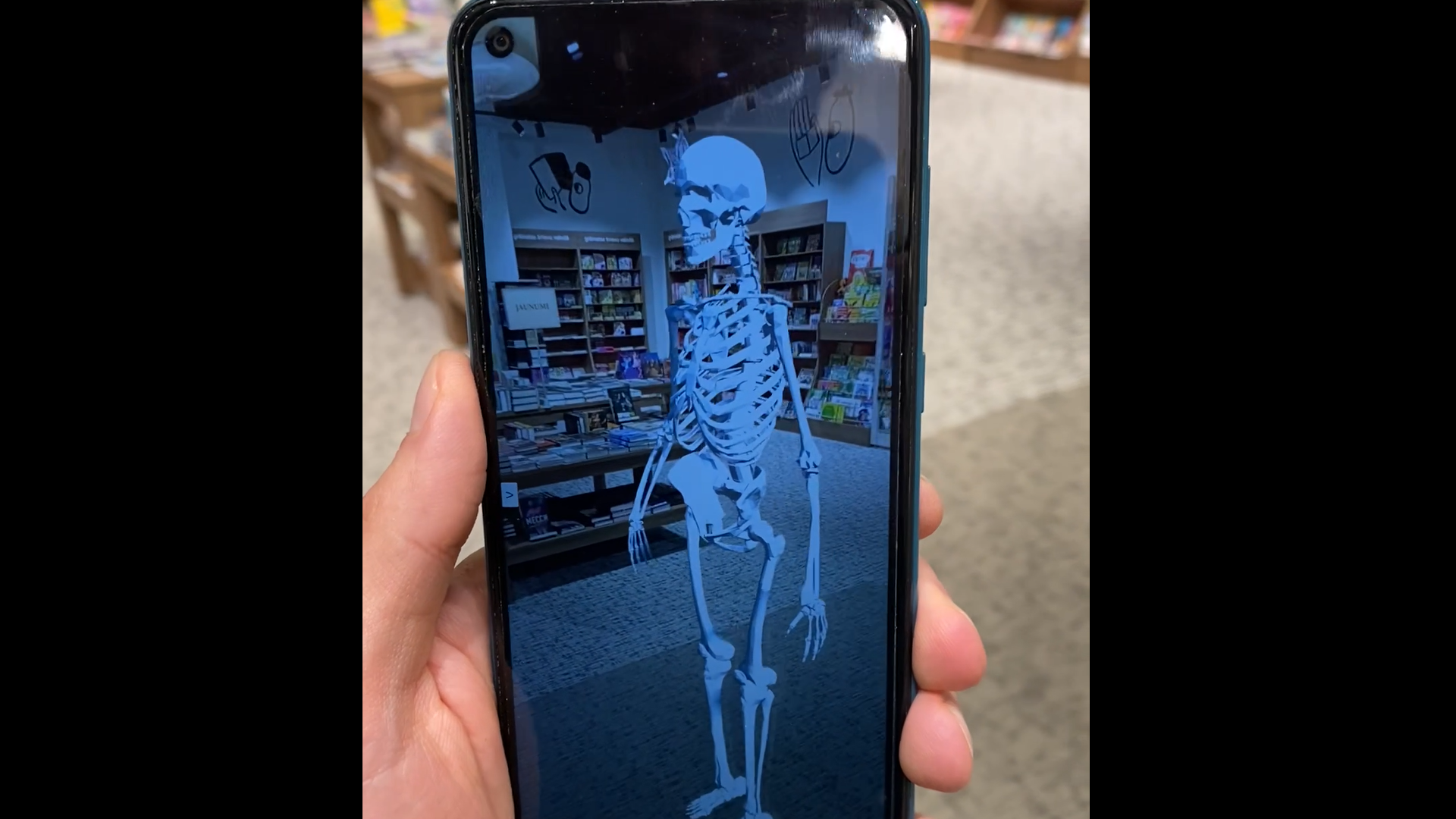
place a full-size skeleton in the real environment,
rotate the skeleton for easier viewing,
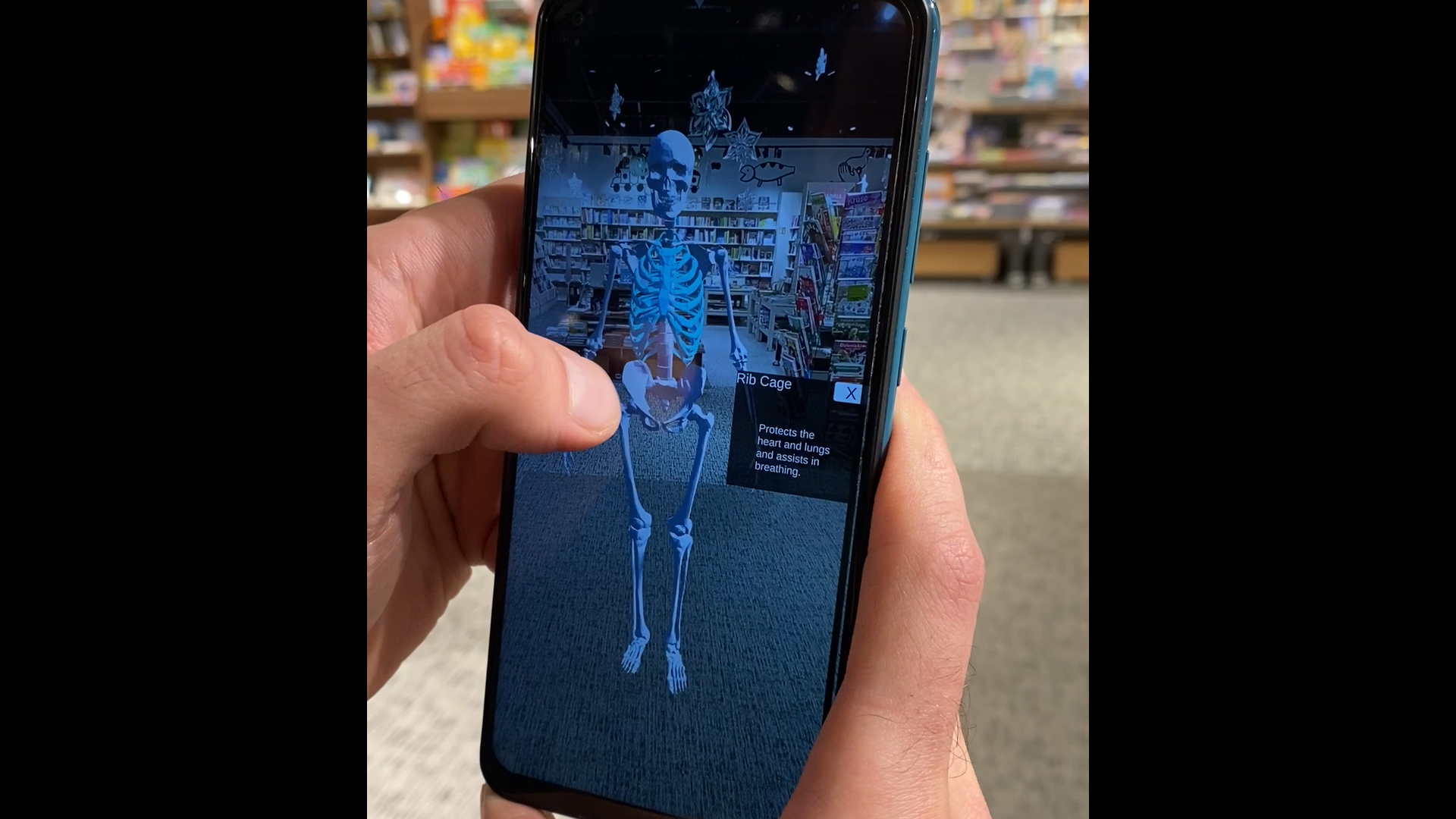
select bones by tapping,
read short descriptions about each bone in a clear UI panel.
Implemented AR mechanics
The app includes two fully functional AR modes that can be switched in real time:
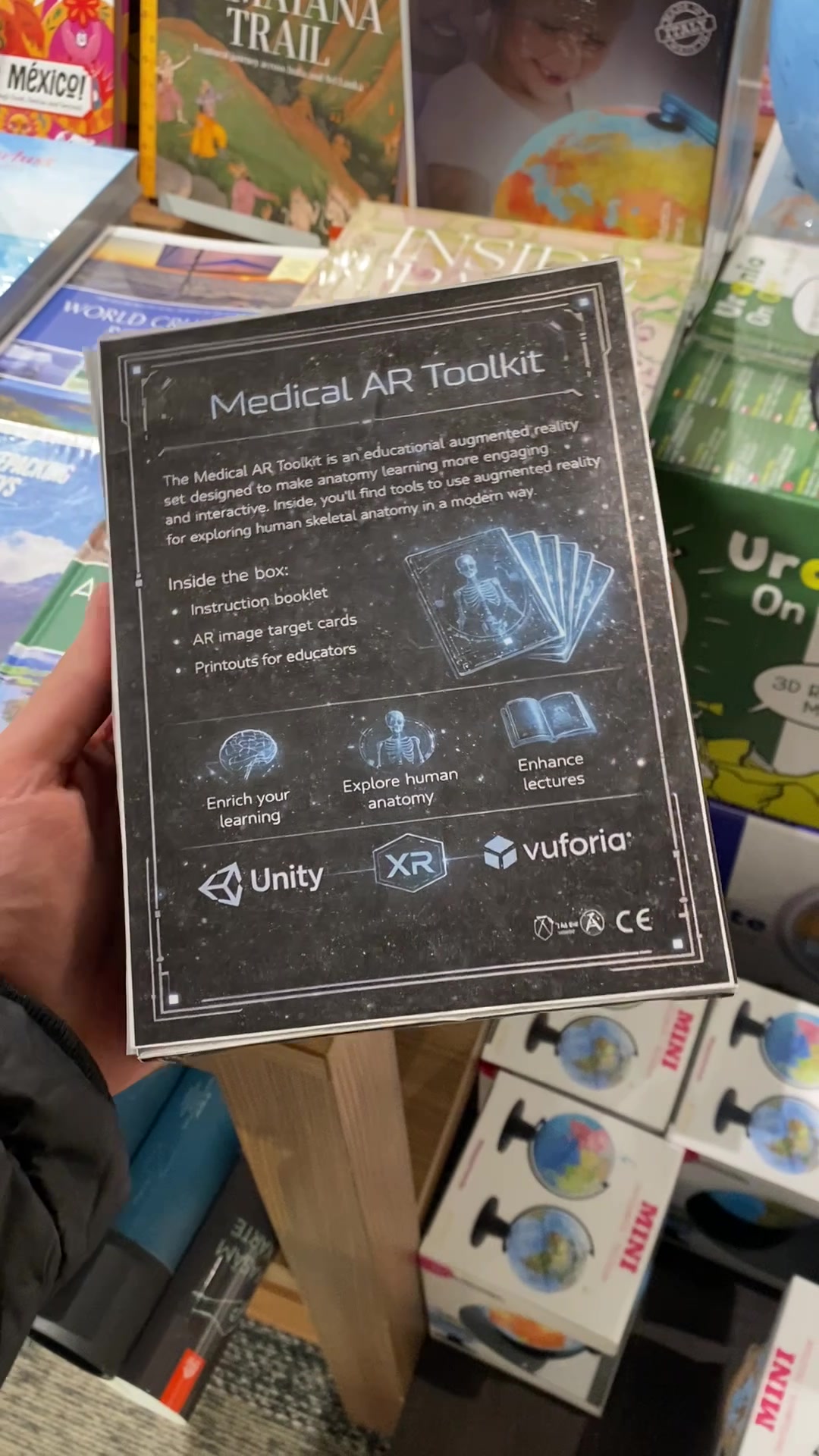
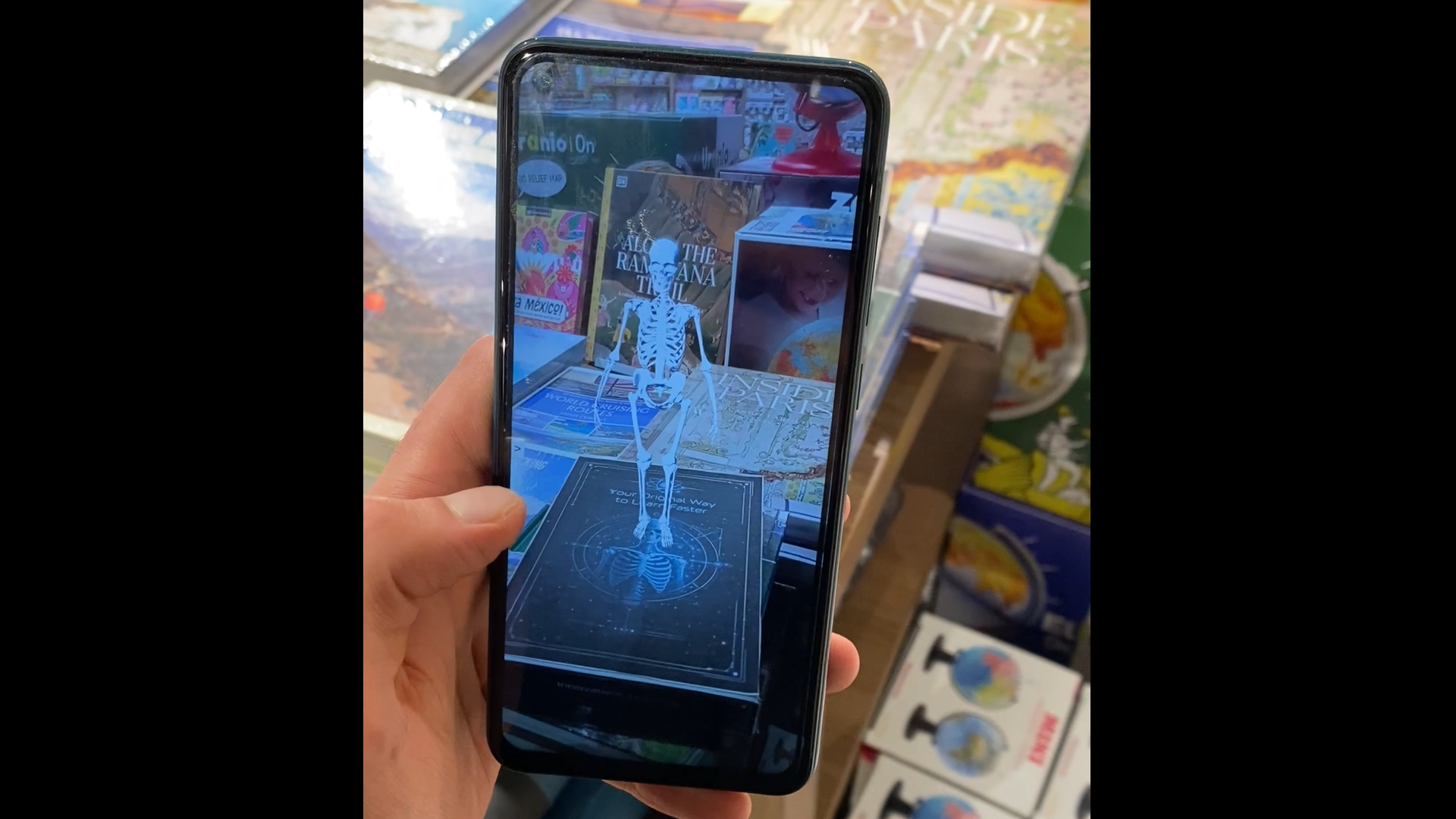
1) Marker Mode (Image Target)
A small skeleton model appears, attached to the target image.
The skeleton is visible only while the target image is being tracked.
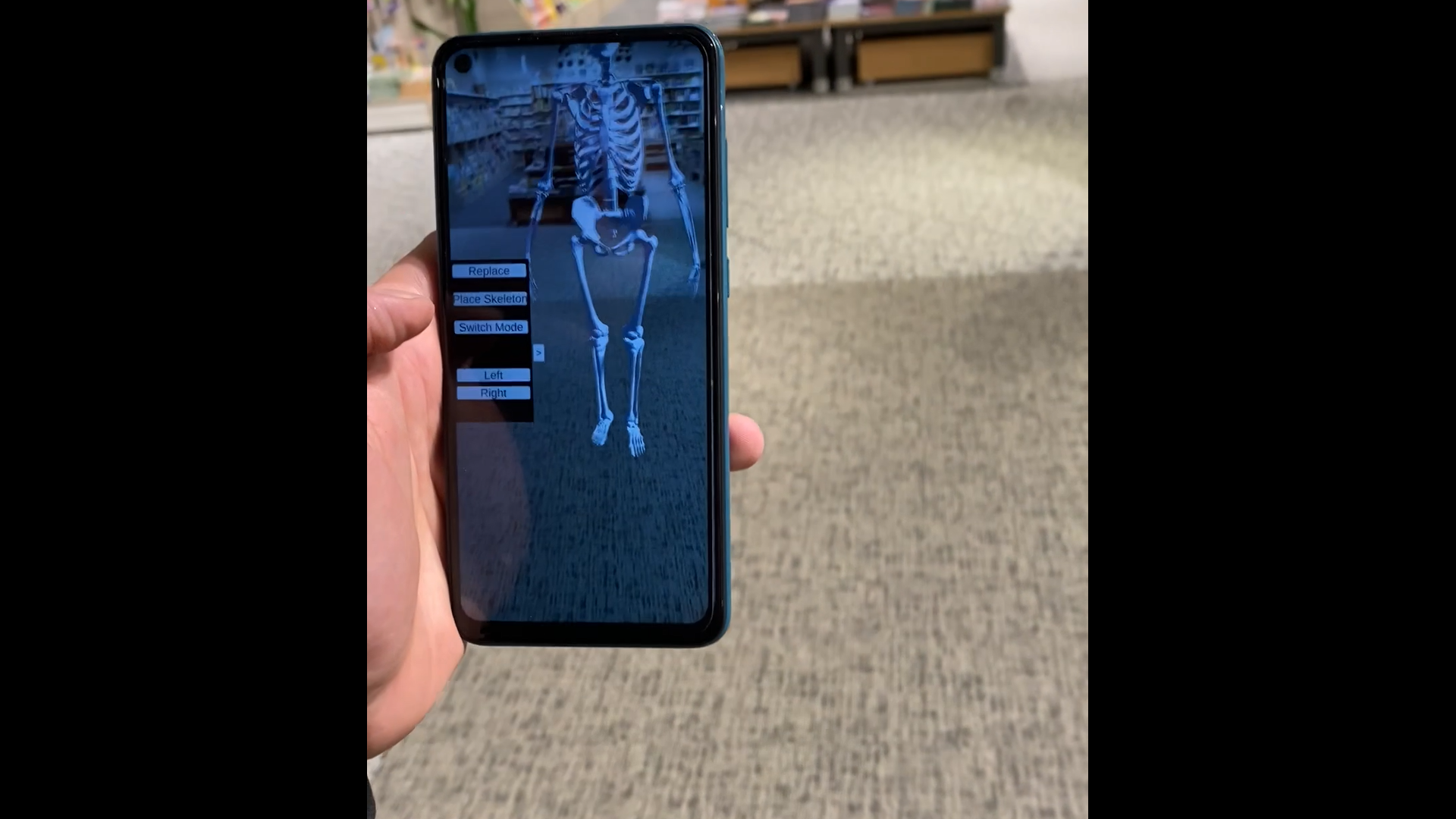
2) Plane Mode (Ground Plane)
The app detects a horizontal surface using Vuforia Ground Plane.
A full-size skeleton model can be placed on the detected plane.
Interactive learning feature (bone selection)
In Plane Mode, the user can:
Tap on bones in the skeleton model (the selected bone is highlighted),
An information panel appears with:
the bone name (title),
a short educational description (text).
Tapping the same bone again removes the selection and closes the panel.
Documentation: https://failiem.lv/u/r2qxe48xdh
Controls / How to Play
The interface is clean and user-friendly, using a collapsible side menu so that unnecessary elements do not interfere with the AR view. Main available features: Switch Mode — switches between Marker Mode and Plane Mode. Place Skeleton — places a full-size skeleton on the detected plane. Replace — removes the placed skeleton and allows placing it again. Rotate Left / Rotate Right — rotates the skeleton for easier viewing.
Poster
More from Nikita Badjajevs
See All
More Like This
See All Simulation
 KarlisP
 arare
arare