Challenge 1 - Plane Flight
About This Game
Challenge 1 – Plane Flight
This project was created in Unity as part of the Junior Programmer pathway.
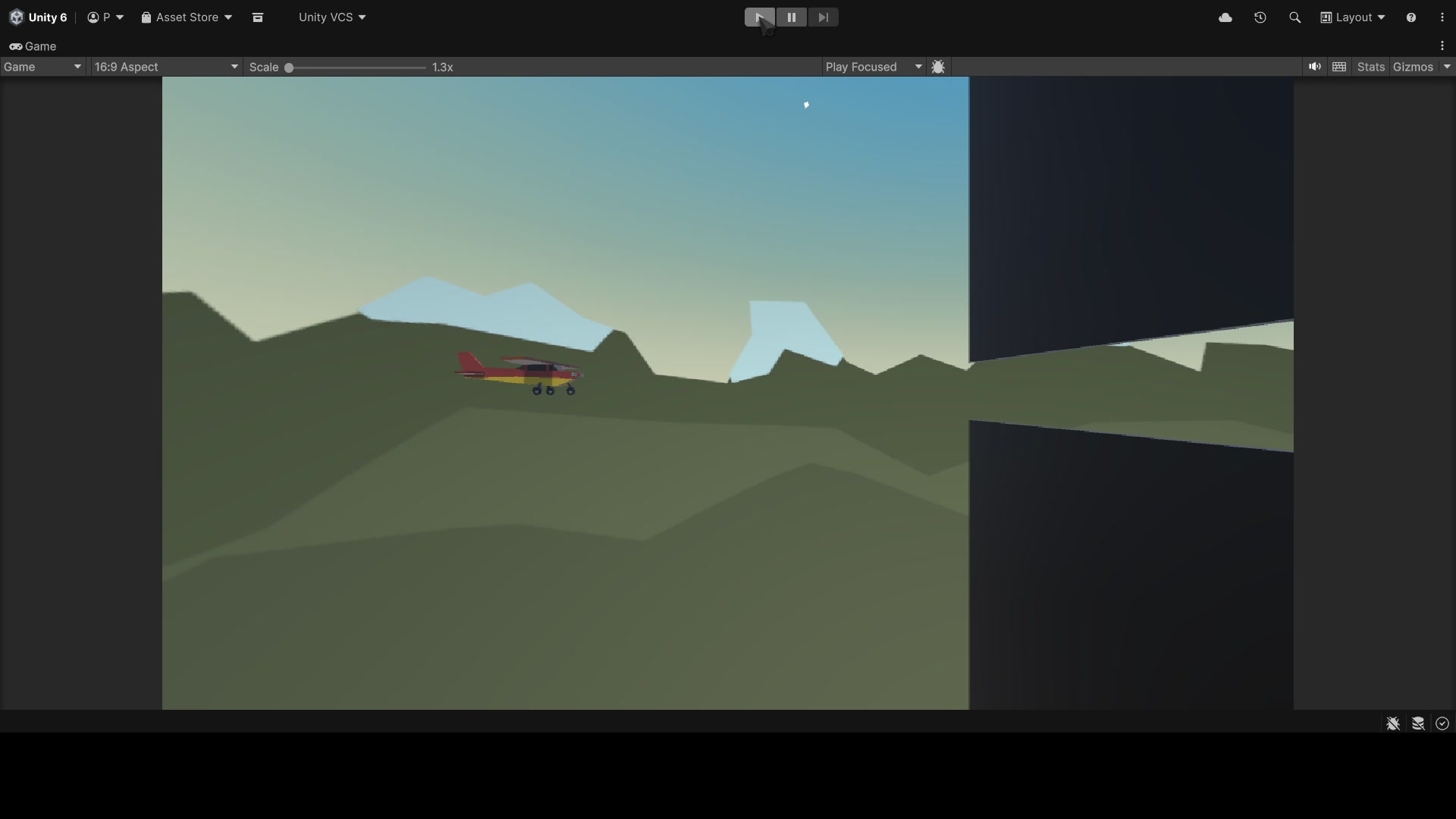
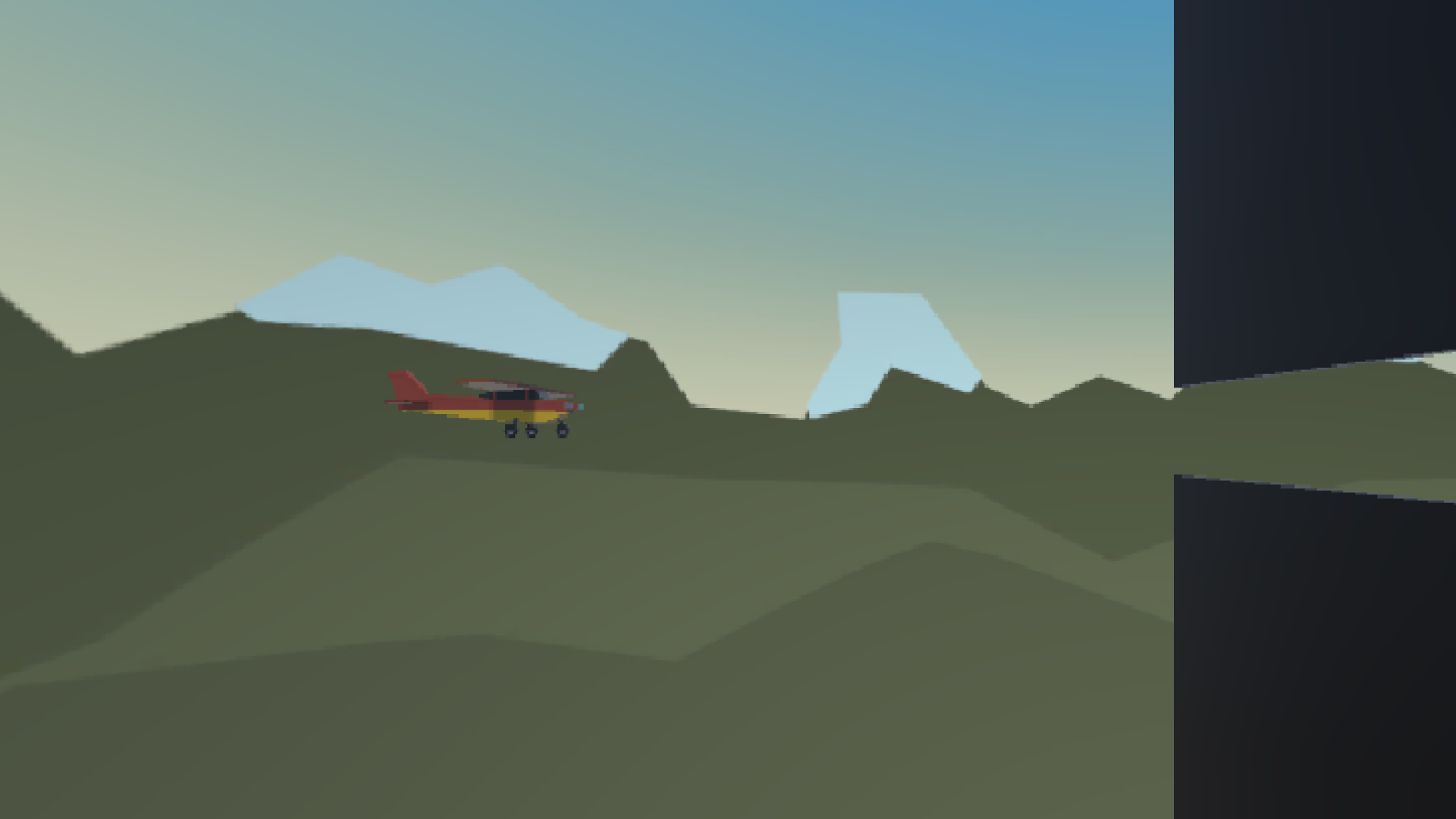
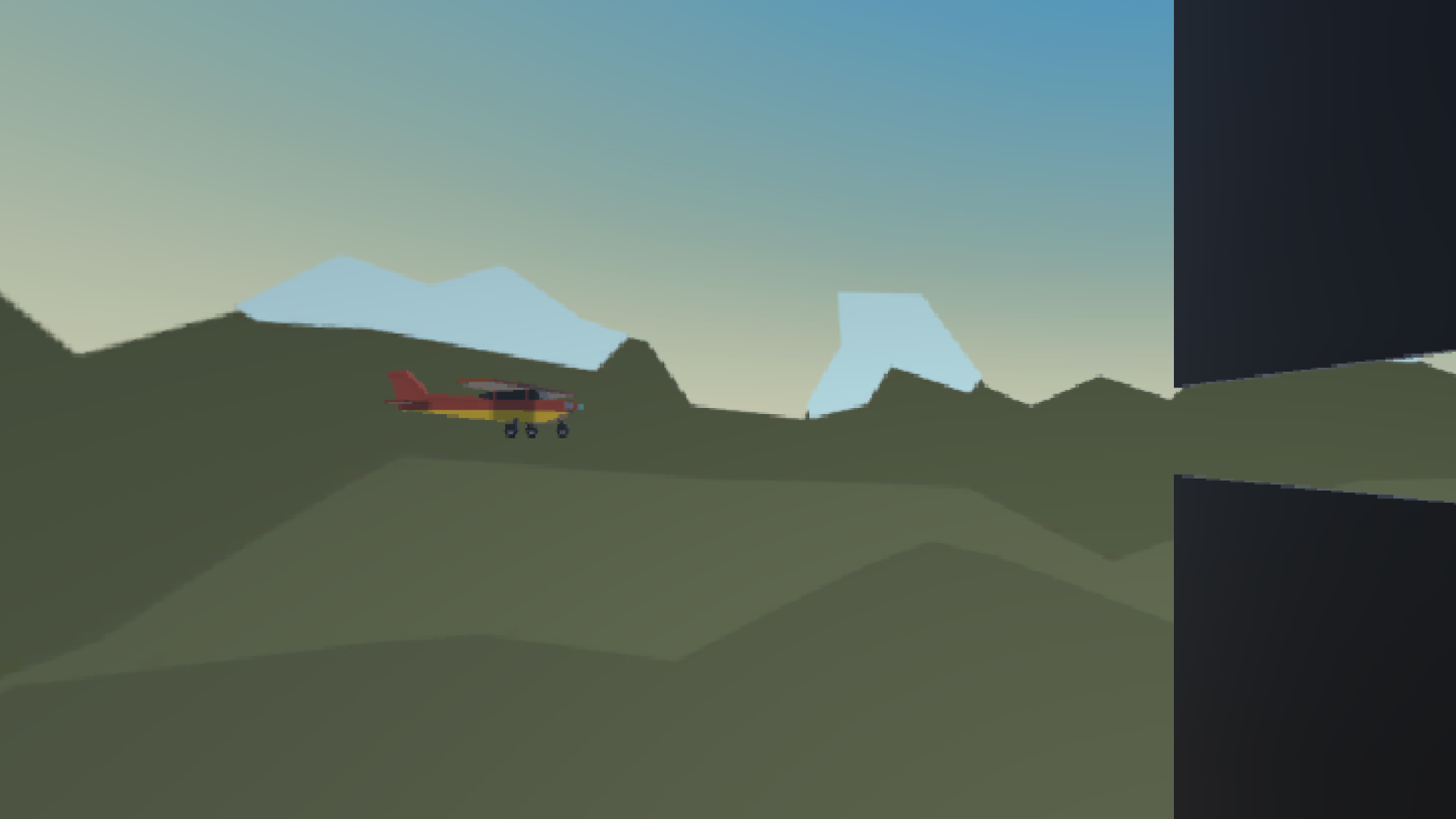
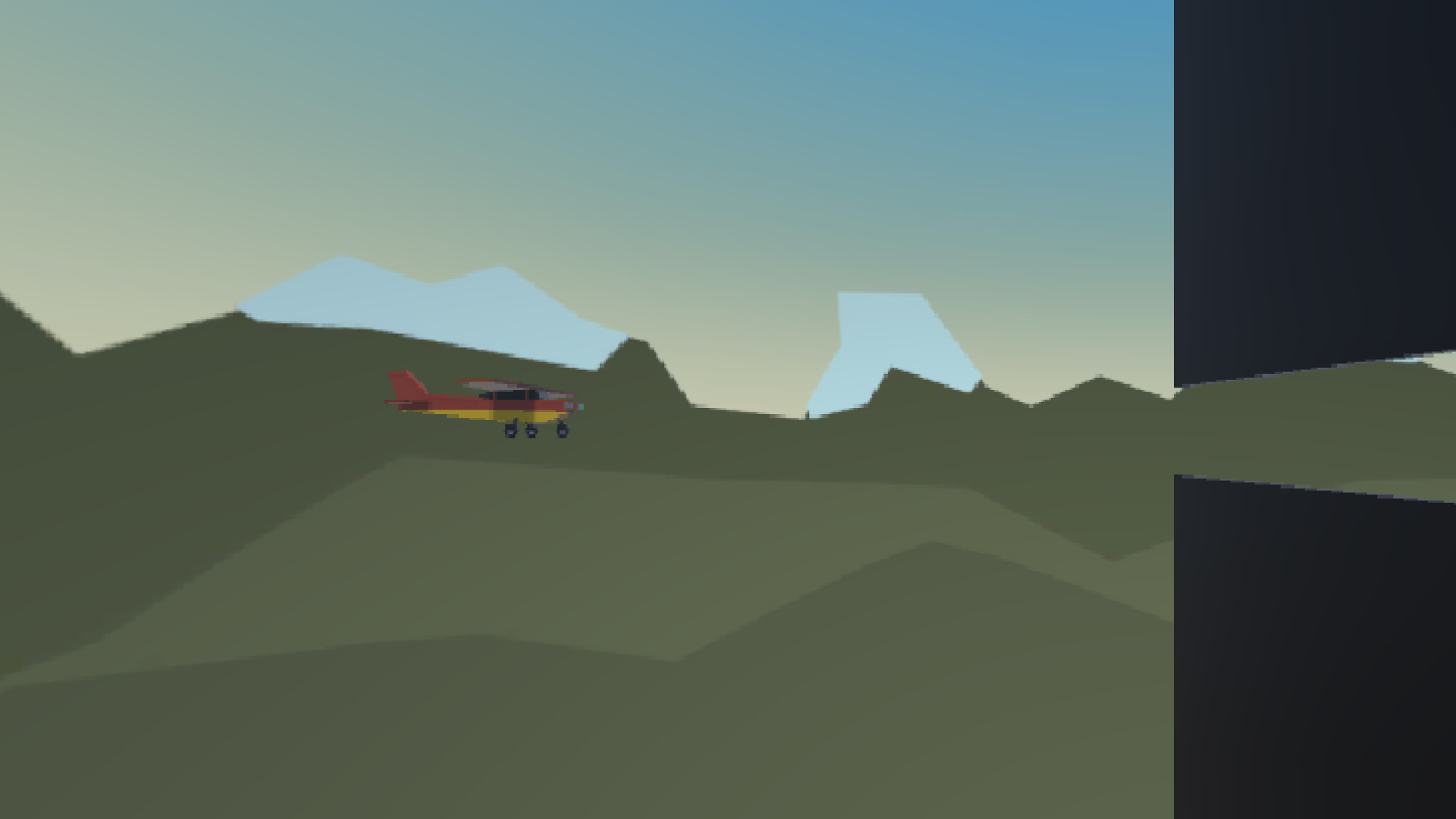
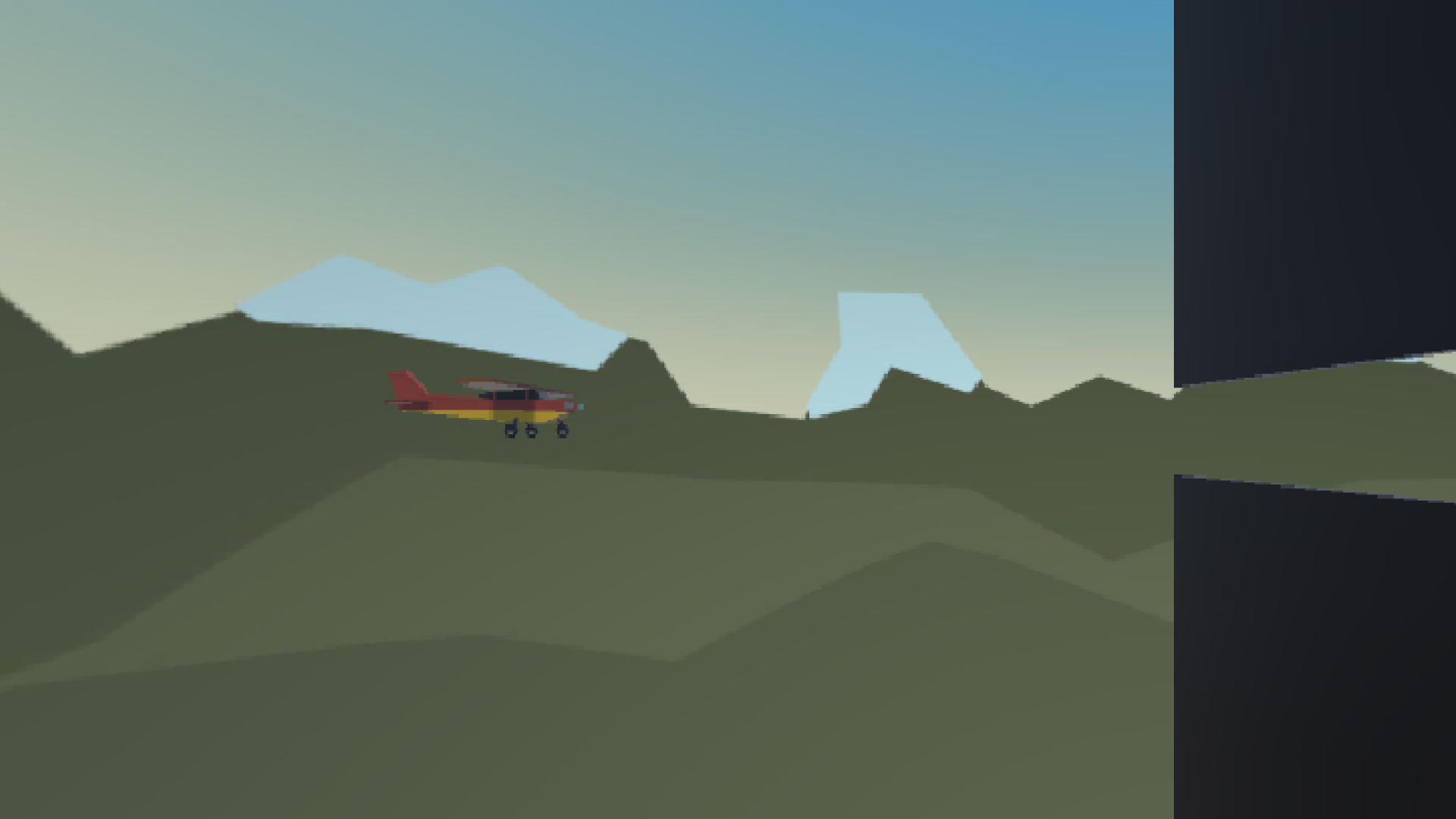
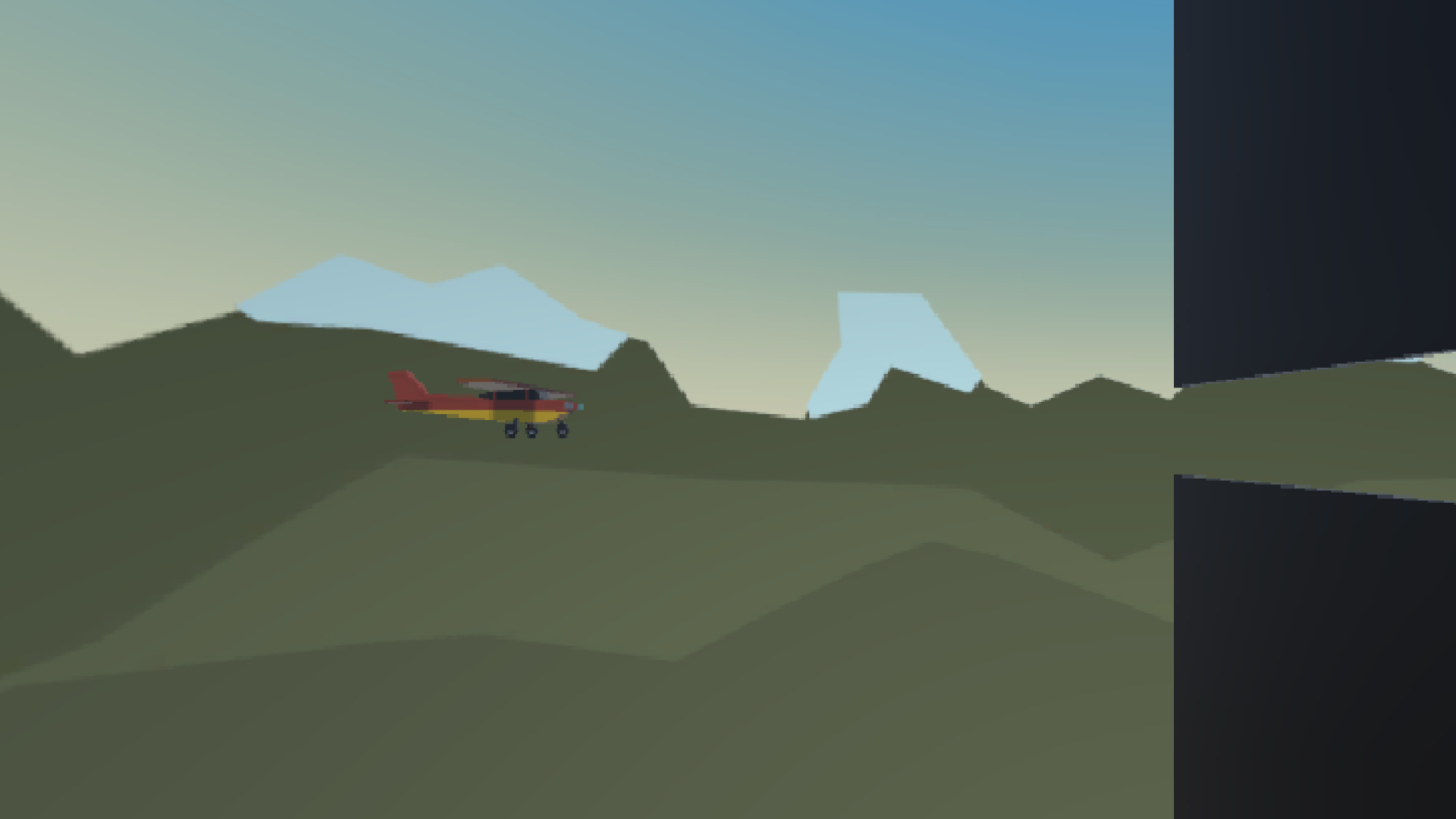
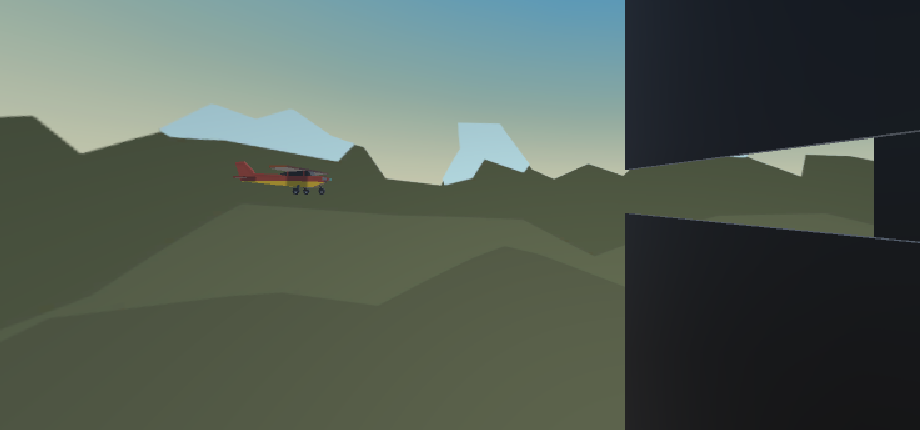
The objective of the project is to control an airplane flying through the environment. The plane continuously moves forward while the player controls its movement using the keyboard.
Features:
• Airplane movement and controls
• Continuous forward flight
• Camera following the player
• Basic environment and obstacles
• Unity physics and object management
This project demonstrates the fundamentals of player controls, object movement, scene setup, and gameplay programming in Unity.
Controls / How to Play
Use the Up and Down Arrow keys to control the airplane's movement. The plane flies forward automatically. Avoid obstacles and keep the airplane under control while flying through the environment.
More from Patricija Ustinova
See All
More Like This
See All Simulation
 andrisdizains